
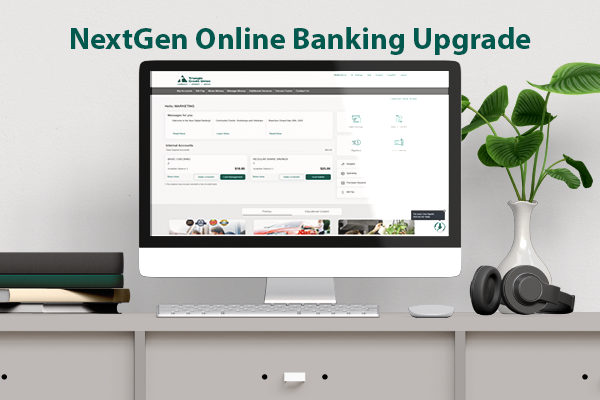
Get ready for a newly enhanced digital banking experience, coming May 12th, 2025!
Access all the features you need with ease– no more buried navigation items. Plus, customize your homepage to your preferences and financial goals.
Keep reading for more information and to see side-by-side screenshots of the “before” and “after” pictures so you know what to expect from the changes coming to your enhanced online banking experience.
Here’s what’s new:
- Enjoy a consistent experience across TCU’s online banking and the mobile app
- See loan due date and past due information– and make payments or transfer money– right from the Accounts widget
- Control which features appear on your homepage by adding widgets to your “favorites” and collapse, expand, or reorder them at any time
- See key messages from TCU upfront and customize your greeting name when you sign in.
- View your five most recent transactions without having to click into an account.
Login Multi Factor Authentication Screen:
Legacy (Current)


Next Generation (New)


Home Dashboard
Legacy (Current)

Next Generation (New)

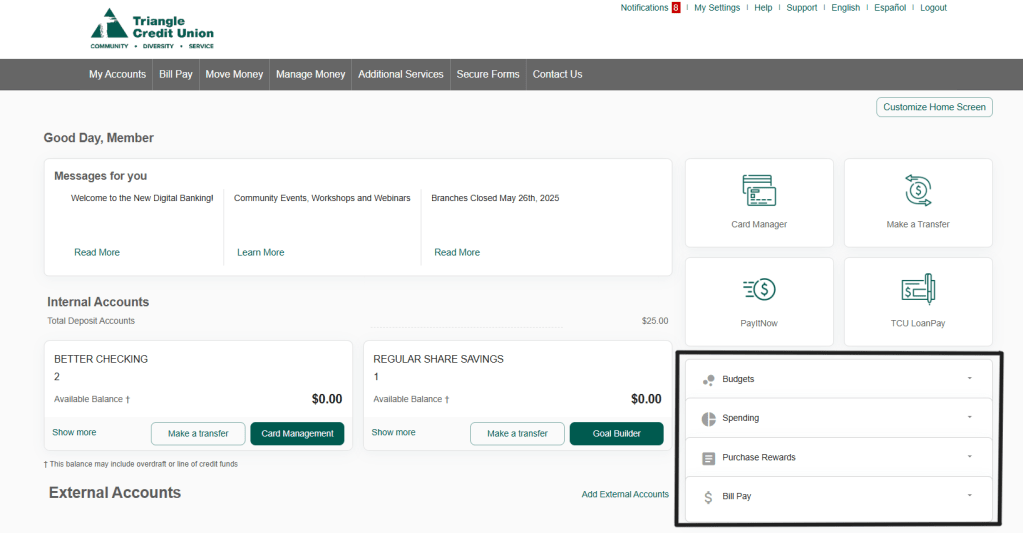
The new Online Banking Home Page has some new and some familiar features. New features include:
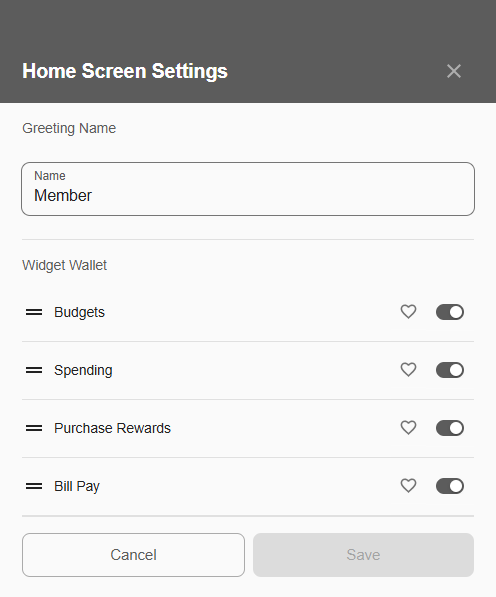
- Home Screen Customization: Customize your home screen by changing the greeting name and controlling the widgets– add them to your “favorites” and collapse, expand, or reorder them at any time
- My Accounts Widget: Provides an overview of your TCU accounts (Checking, Savings, Loans, etc).
- Show More: Gives a quick peek of the account information and the five most recent transactions made on that account
- Favorites: If enabled, the heart icon favorites an account. Once the account is favorited, it will be moved to the top of the Account Widget. All other accounts will appear below the favorited account.
- Messages For You: This section displays up to three messages from TCU to you. Click on the button at the bottom to view the full message.

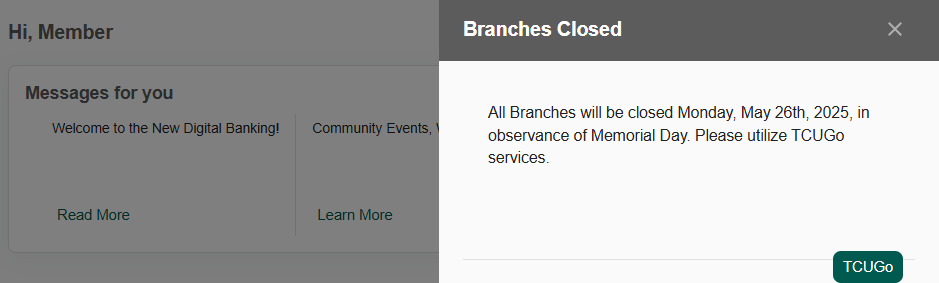
- Access to Quick Actions: Quick actions allow members to navigate online banking quickly.

- Create Your Own Widget Stack: The remaining services available through TCU online banking will be available in the Widget Stack. You can rearrange and favorite these widgets by clicking on “Customize Home Screen”.
Account History: Selecting any account name in the Accounts Widget will navigate the user to the Account History Page.
Legacy (Current)

Next Generation (New)

Triangle Credit Union is excited to offer these upgrades to improve your member experience when using online banking!