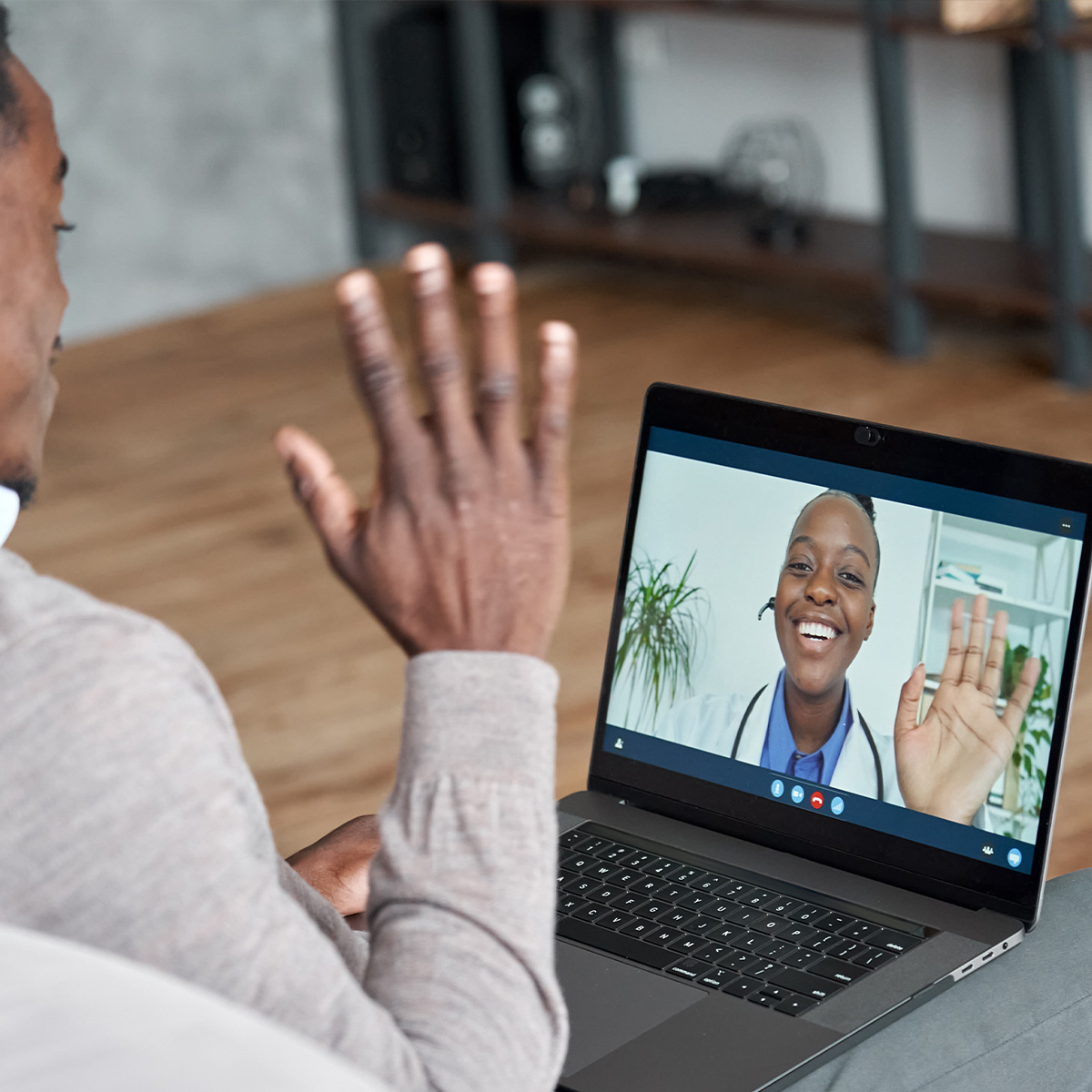
By now, you’ve probably heard about Telehealth. If you haven’t, Telehealth (sometimes called telemedicine) is a service that lets your healthcare provider care for you without an in-person office visit.
Telehealth is done primarily online with internet access on your computer, tablet, or smartphone—it’s basically a virtual office visit.
Telehealth services have been around for a while. However, most consumers became aware of them during the pandemic as another way to receive healthcare without needing to visit the doctor physically.
Some Telehealth visits are conducted by just calling a number on the back of your health insurance card, while other visits are video visits so that a healthcare provider can see issues you might be dealing with.
A few benefits of Telehealth phone visits are (1) not needing to wait online to speak with a care provider, (2) you don’t incur the costs of a co-pay or office visit, and (3) you receive the same care you would receive at a doctor’s office.
In the instance your regular care provider does use Telehealth video services, there are some guidelines for safeguarding your personal information from cybercriminals.
According to online security experts at Knowbe4Alert, you will want to:
Keep Your Device Up to Date
Whether you connect to telehealth using a smartphone or a computer, make sure the device is up to date with the latest security patches. This includes updating all applications, not just the ones used for telehealth purposes. Each app is a potential point of entry for cybercriminals. If the bad guys gain access to your device in any way, then your sensitive medical information will be at risk.
Use an Advanced Login
Telehealth services typically require users to create a username and password. If the service offers Multi-factor Authentication (MFA), use it! MFA requires you to enter your password and then enter another form of verification, such as a code sent via text message. If MFA isn’t offered, we recommend using a password manager to generate and securely store complex passwords.
Connect with a Secure Network
Never use a public Wi-Fi connection for telehealth services. You never know who could be watching and tracking your activity. When connecting from home, be sure to set up a strong password for your router. Default router passwords are often public knowledge or easy to guess. For the most secure network, connect to a virtual private network (VPN), which encrypts web traffic to protect your information.
Be diligent about your online activities as well as your health!